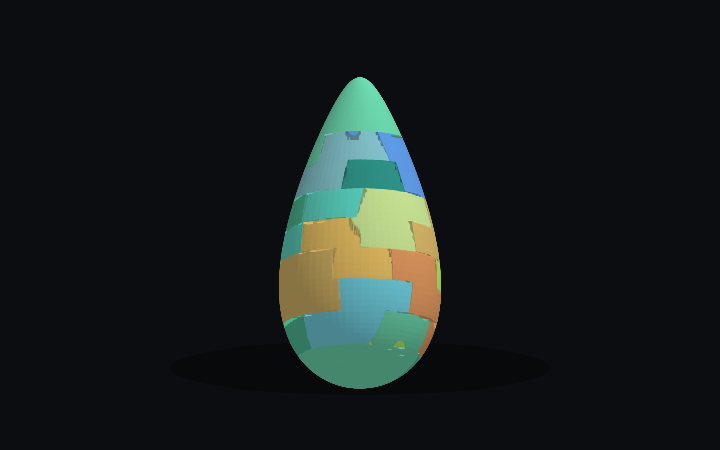
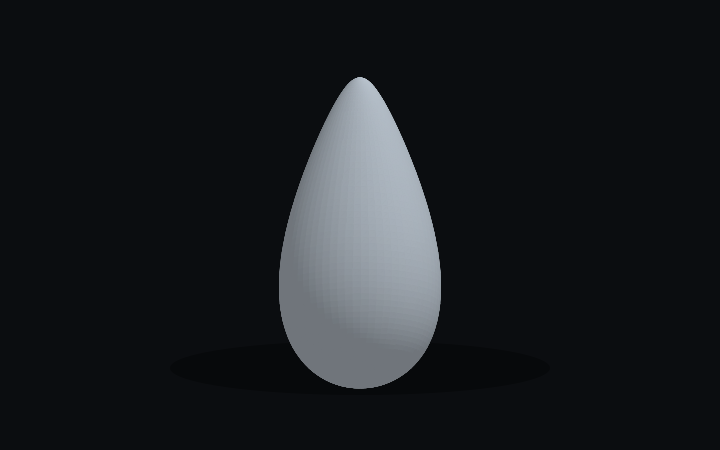
WaterdropA single, rounded teardrop solid designed as a clean first puzzle.
PuzzleForm StudioOriginal · CC0 1.0 · curated by PuzzleForm

Turn a 3D model into a printable puzzle. Set the layers and grid, then inspect every interlocking part before export.
Step 01ImportYour model, whole, at its print size.
Everything runs in your browser. Your model never leaves your device.
Drop an STL, OBJ or GLB. It opens at 100 mm tall, ready to size.
Pick how many plates and how thick. The cuts show on the model.
Set the grid, tabs and clearance, then build the interlocking cut.
Inspect every piece, merge or split by hand, watch it assemble.
One STL per piece, optional print plates and a PDF assembly guide.
PuzzleForm 3D · one puzzle
Models with a settled licence, ready to open in the editor.
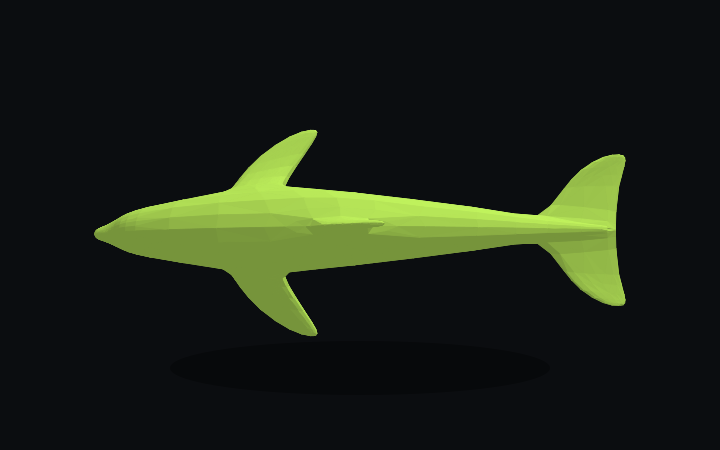
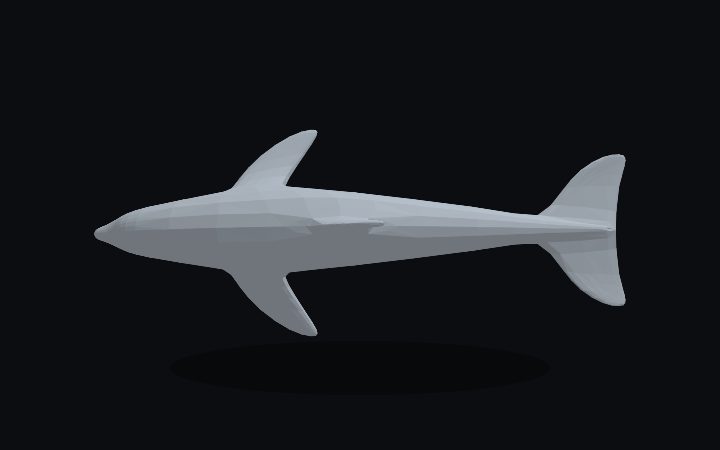
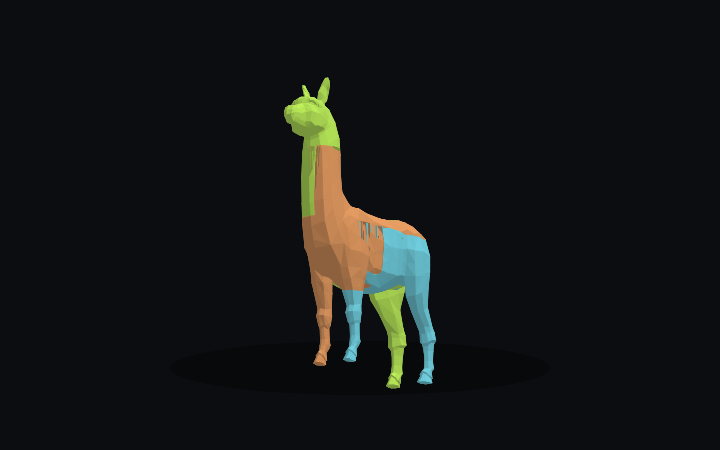
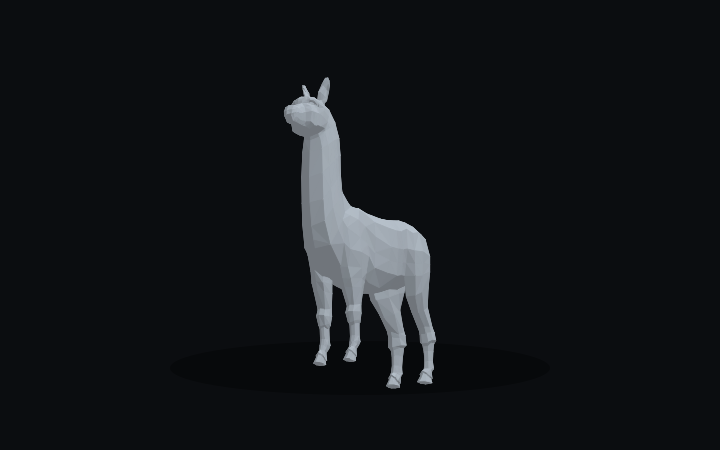
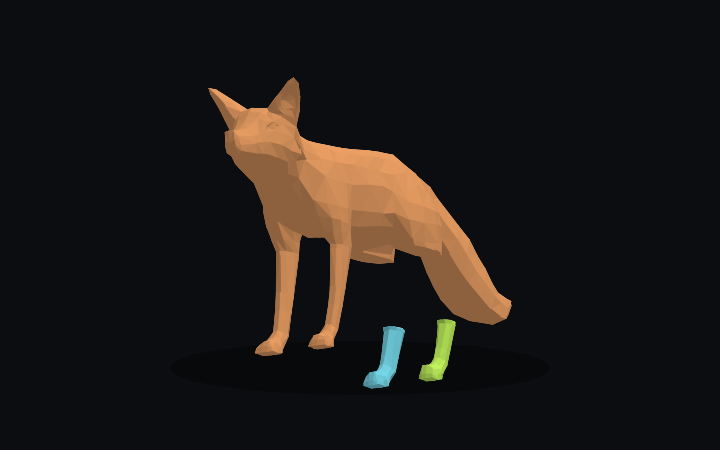
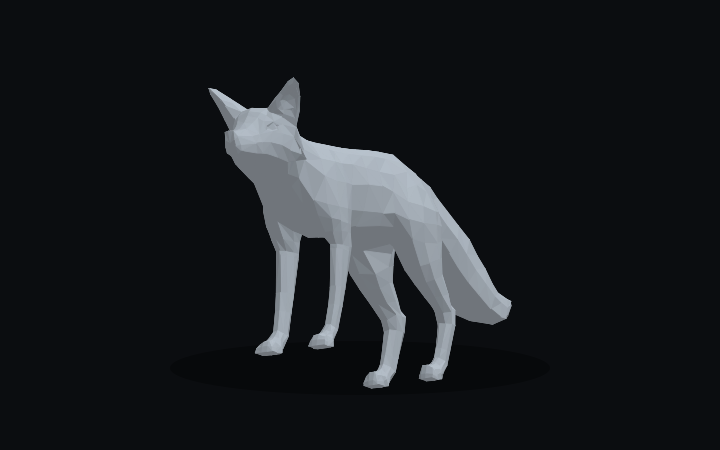
Layer and side clearances in millimetres, tuned to your printer and material.
See every piece, its contacts and the assembly order before you download.
Single STL files or arranged build plates, with the assembly guide in the same ZIP.
On Commerce and Studio every page of the assembly guide carries your logo and colours. Compare plans